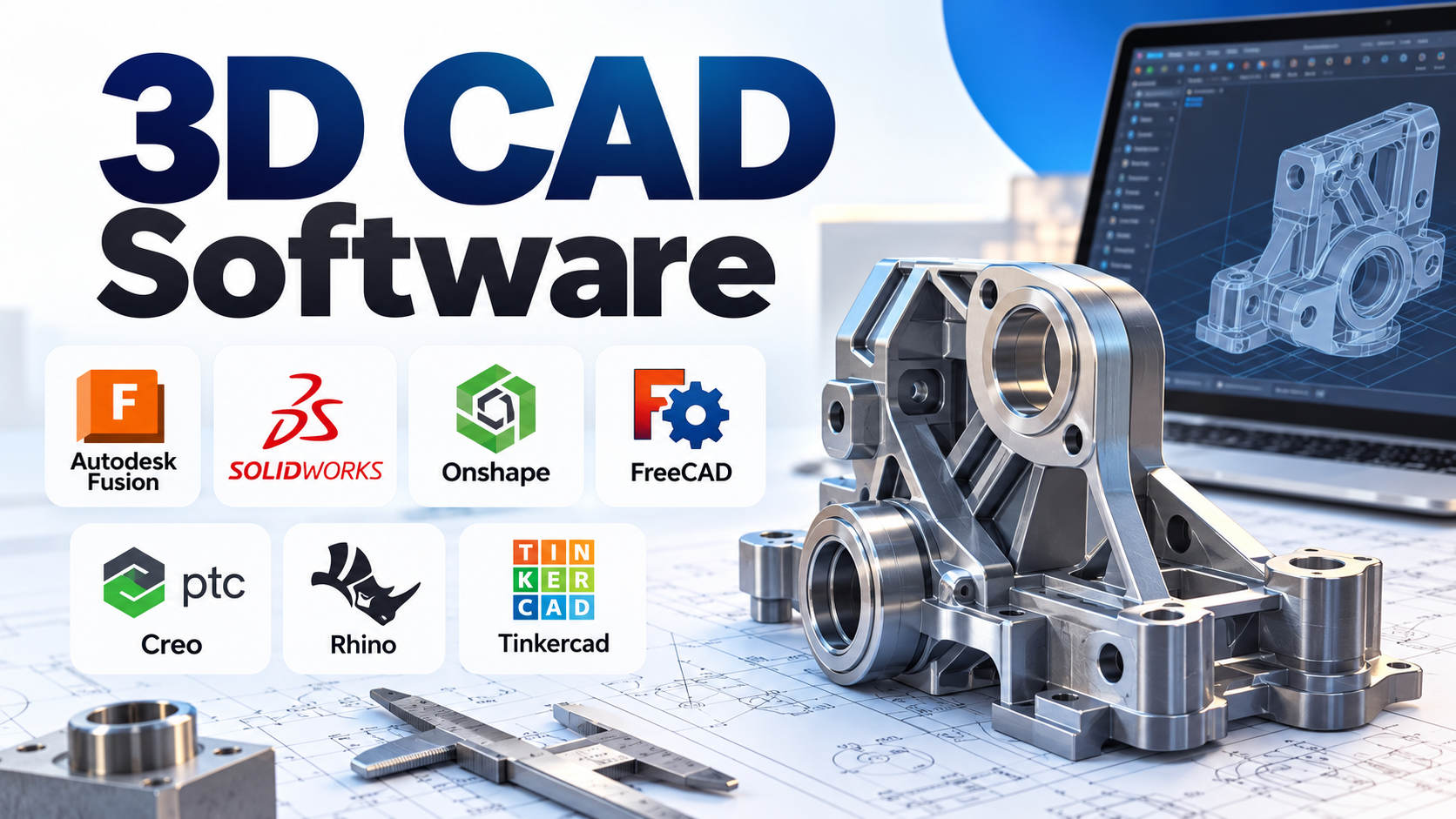
A 3D model can serve very different purposes. A student might need to design a simple bracket for a 3D printer, a mechanical engineer might need to manage a complex assembly with hundreds of components, and an industrial designer might need to shape a curved product enclosure that cannot be described easily using basic dimensions.
All three tasks involve three-dimensional design, but they do not necessarily require the same software.
The most important decision when choosing 3D CAD software is understanding how you intend to build, modify, validate, and ultimately use your model. A program optimized for mechanical engineering may be unnecessarily complex for a beginner, while an easy-to-use modeling application may lack the precision and engineering controls required for manufacturing.
This guide explains the main approaches to 3D computer-aided design (CAD), compares established software options, and identifies the practical considerations that matter before committing to a tool.
What makes 3D CAD different from general 3D modeling?
3D CAD software creates digital representations of objects that can be measured, modified, assembled, analyzed, and, where supported, prepared for manufacturing.
Unlike general-purpose visual modeling, engineering-focused CAD typically emphasizes dimensional accuracy, geometric constraints, design history, and relationships between components.
For example, consider a mounting bracket with four holes. In a parametric CAD application, you can define the hole diameter, spacing, material thickness, and other dimensions. If the bracket needs to fit a larger component, changing a few parameters may update the model without requiring you to rebuild it.
This ability to preserve design intent is particularly valuable when products undergo repeated revisions.
Common applications include:
- Mechanical engineering: machine parts, enclosures, fixtures, and assemblies.
- Product design: consumer products, industrial equipment, and prototypes.
- Manufacturing: CNC machining, tooling, fabrication, and production drawings.
- Architecture and construction: building components, spatial layouts, and design documentation.
- 3D printing: functional components, replacement parts, and custom objects.
- Industrial and jewelry design: complex surfaces, ergonomic forms, and intricate geometry.
Not every application marketed as 3D design software provides the same engineering capabilities. Before comparing products, it helps to understand the modeling approaches they support.
The modeling approach matters more than the feature count
A long feature list does not automatically make a CAD application suitable for your work. Different modeling methods solve different problems, and many professional applications combine several approaches.
Parametric modeling
Parametric modeling builds geometry using dimensions, constraints, features, and dependencies. The model retains a history of operations that can be edited later.
Imagine designing a shaft with several stepped diameters. If the overall shaft length changes, a well-structured parametric model can update related features according to the relationships you defined.
This approach is particularly useful for:
- Mechanical components with precise dimensions.
- Repeated product revisions.
- Configurable product families.
- Assemblies containing related parts.
- Engineering drawings derived from 3D models.
The trade-off is that complex feature histories can become difficult to maintain when dependencies are poorly structured. Parametric modeling rewards careful planning and a basic understanding of design intent.
Direct modeling
Direct modeling allows you to modify geometry more directly, often by moving faces, adjusting edges, or changing shapes without rebuilding a complete feature history.
It is useful when working with imported models, exploring design alternatives, or making quick geometric changes.
However, direct editing may not preserve the original engineering relationships. A change that appears simple visually can require additional work to maintain dimensions and downstream compatibility.
Surface and freeform modeling
Surface modeling is useful when the shape itself is the primary design challenge.
Automotive bodywork, consumer-product housings, ergonomic handles, and other products with flowing contours often require more sophisticated control over curves and surfaces than conventional solid modeling provides.
Applications such as Rhino are particularly relevant here because they support NURBS surfaces, solids, subdivision geometry, and other forms of 3D geometry.
Mesh-based modeling
Mesh modeling represents a shape using connected vertices, edges, and polygon faces. It is common in sculpting, visual effects, game assets, and workflows involving scanned objects.
Meshes are also useful for 3D printing, but a polygon mesh is not equivalent to a fully editable parametric CAD model. Converting a complex mesh into clean, dimension-driven engineering geometry can require additional work.
For engineering applications, check whether the software can repair, edit, or convert imported mesh data into the geometry needed for your workflow.
Which 3D CAD software deserves consideration?
The following applications serve different needs rather than forming a universal ranking. Their official documentation describes their capabilities, but the final choice should depend on your actual projects, existing files, and engineering requirements.
Autodesk Fusion: an integrated route from design to manufacturing
Autodesk Fusion combines CAD, computer-aided manufacturing (CAM), engineering simulation (CAE), electronics design, data management, and collaboration within an integrated product development environment.
Its main attraction is the ability to connect design and manufacturing workflows without requiring a completely separate application for every stage.
For example, a small product-development team designing a machined aluminum enclosure may need to model the enclosure, check clearances, revise its geometry, and prepare CNC toolpaths. Fusion provides capabilities that connect these activities.
It is worth considering when:
- You design functional parts or mechanical assemblies.
- CNC machining or manufacturing preparation is part of the workflow.
- You want CAD and related engineering tools in one environment.
- Several people need to collaborate on product development.
The important consideration is its cloud-connected operating model. Although Fusion is a desktop application, project data and some capabilities rely on Autodesk’s cloud infrastructure. Teams should evaluate internet requirements, data-management arrangements, licensing, and offline workflow limitations before adopting it.
Not every advanced capability is included in every subscription or package, so compare the actual entitlements required for your work.
SOLIDWORKS: a strong option for mechanical product engineering
SOLIDWORKS is widely associated with mechanical part modeling, assemblies, and engineering drawings.
Its capabilities include specialized design workflows for areas such as sheet metal, weldments, molds, and other mechanical components. Depending on the selected package, additional tools support simulation, manufacturing, and product data management.
SOLIDWORKS is worth evaluating when your work depends on structured mechanical design, detailed drawings, assembly relationships, and established engineering workflows.
A practical example is a machine builder developing a motorized mechanism. Individual parts must fit together, fasteners must be positioned correctly, and drawing revisions must remain consistent with the design.
A dedicated mechanical CAD environment can make those relationships easier to manage.
The main trade-offs are licensing costs, the need to learn a more comprehensive engineering environment, and compatibility with your organization’s existing files and processes. Some capabilities depend on the selected package or additional products.
For an organization already exchanging SOLIDWORKS files with suppliers, the value of maintaining compatibility may outweigh the appeal of switching to a cheaper application.
Onshape: browser-based CAD with built-in collaboration
Onshape is a cloud-native CAD platform designed around browser access, shared design data, and concurrent collaboration.
Its architecture addresses a common problem in engineering teams: multiple copies of a design circulating through email, shared folders, and local computers.
Instead of treating file transfer as the center of the workflow, Onshape maintains design data in a centralized cloud environment and provides built-in collaboration and product data management capabilities.
It is particularly relevant for:
- Distributed engineering teams.
- Organizations that prefer browser-based access.
- Teams working on shared assemblies and related parts.
- Groups that want to reduce local installation and update management.
The distinction is architectural, not simply cosmetic. Browser-based access can simplify deployment and collaboration, but it also makes connectivity, cloud governance, and the vendor’s service model important purchasing considerations.
Organizations handling sensitive designs should evaluate access controls, data ownership, export options, and contractual requirements before storing intellectual property in any hosted CAD platform.
Also, confirm that the available browser and device support matches the team’s intended working environment.
FreeCAD: open-source CAD without a commercial subscription requirement
FreeCAD is a free, open-source, parametric 3D modeling application available for Windows, macOS, and Linux.
Its capabilities include constrained sketches, feature-based modeling, technical drawings, and specialized workbenches for different engineering and design tasks. The application also exposes a Python API, which can be useful for scripting and customization.
FreeCAD is worth considering for students, independent designers, hobbyists, and organizations that want to avoid proprietary licensing costs.
It can be especially useful when a project benefits from parametric modeling but does not justify the expense of a commercial CAD subscription.
Its open-source nature also gives technically inclined users the opportunity to inspect, customize, and extend the software.
However, free licensing does not eliminate implementation costs. Users may need to spend additional time learning the interface, finding suitable workbenches, resolving compatibility issues, or establishing consistent team workflows.
Before using FreeCAD for production engineering, test the specific operations your project requires. Validate assemblies, drawings, imported files, and manufacturing exports rather than assuming every workflow will behave identically to a commercial alternative.
PTC Creo: for demanding parametric engineering workflows
PTC Creo is a parametric 3D CAD platform for product engineering. Its capabilities include design, simulation-related workflows, model-based definition, manufacturing, and specialized engineering functions.
Creo is particularly relevant when design changes must remain connected to downstream engineering activities.
Consider a company developing a configurable industrial product. A change to a component may affect related geometry, engineering validation, documentation, and manufacturing preparation. Maintaining those relationships can be more important than simply producing a visually accurate model.
Creo is worth evaluating for organizations with complex mechanical designs, configurable products, or established engineering processes that require controlled changes.
The trade-off is implementation complexity. Advanced engineering capabilities can require more training, administration, and licensing investment than a beginner or small hobby project needs.
Companies should assess not only the core CAD functions but also the additional modules, integration requirements, and data-management systems needed for their particular workflows.
Rhino: when complex shapes are the difficult part
Rhino supports NURBS curves, surfaces and solids, subdivision geometry, polygon meshes, and related modeling workflows.
It is particularly useful when designers need accurate control over complex forms that are difficult to create through conventional feature-based solid modeling alone.
Potential applications include:
- Jewelry and accessory design.
- Industrial design and product surfacing.
- Architectural forms and specialist geometry.
- Models intended for rendering, prototyping, or fabrication.
- Workflows that exchange geometry with other design and engineering applications.
Rhino’s strength is its flexibility with geometry. Its ecosystem also supports specialized workflows, including visual programming through Grasshopper.
However, Rhino is not automatically the best choice for every mechanical engineering project. If a workflow depends heavily on conventional feature histories, complex assembly relationships, or highly structured engineering documentation, compare its capabilities with a parametric mechanical CAD application.
The important question is whether your project is primarily about controlling shape, maintaining engineering relationships, or doing both.
Tinkercad: an accessible starting point for beginners
Tinkercad is a free, browser-based design application aimed at making 3D design accessible to beginners and learners.
Its simple, shape-based workflow allows users to combine, resize, and subtract basic forms without first learning a comprehensive mechanical CAD system.
For example, a student creating a simple nameplate, a basic enclosure, or an introductory 3D-printing project can often get started quickly.
Tinkercad is useful for:
- Learning basic 3D design concepts.
- Classroom projects and introductory engineering activities.
- Simple objects intended for 3D printing.
- Exploring geometry before moving to a more advanced tool.
Its simplicity is also its main limitation. Users who need sophisticated assemblies, detailed parametric relationships, extensive engineering drawings, or advanced manufacturing workflows will generally need a more capable application.
Tinkercad should therefore be viewed as an entry point, not a direct substitute for professional mechanical CAD software.
Comparing the options at a glance
| Software | Best fit | Main differentiator | Important consideration |
|---|---|---|---|
| Autodesk Fusion | Product design and manufacturing | Integrated CAD, CAM, CAE, and electronics workflows | Cloud dependency and package-specific capabilities |
| SOLIDWORKS | Mechanical engineering | Structured parts, assemblies, and engineering drawings | Licensing, training, and file compatibility |
| Onshape | Collaborative engineering teams | Cloud-native CAD and centralized design data | Cloud governance and connectivity requirements |
| FreeCAD | Budget-conscious users and open-source workflows | Parametric modeling without a commercial subscription | Learning curve and workflow validation |
| PTC Creo | Complex product engineering | Parametric design connected to downstream engineering | Cost and implementation complexity |
| Rhino | Complex surfaces and industrial design | Flexible NURBS and freeform modeling | May not replace a full mechanical CAD workflow |
| Tinkercad | Beginners and education | Simple browser-based modeling | Limited depth for advanced engineering |
These distinctions are starting points, not guarantees of suitability. Product capabilities vary by package, extension, deployment arrangement, and the exact workflow being considered.
How to choose based on your actual project
Rather than beginning with a list of features, begin with the output you need to produce.
If you are learning CAD for the first time
Start with a tool that lets you understand basic geometry, dimensions, and the relationship between sketches and solid objects.
Tinkercad is a sensible starting point for simple projects. If you want to learn parametric mechanical design without a commercial subscription, FreeCAD is another option, although its learning curve is steeper.
Move to a more comprehensive system when your projects require more structured design history, assemblies, engineering drawings, or manufacturing workflows.
If you design parts for 3D printing
Your choice depends on whether the parts are decorative or functional.
For a simple decorative object, a straightforward modeling tool may be sufficient. For a functional bracket or enclosure, dimensional accuracy, wall thickness, clearances, and editable design parameters become more important.
Check that the software can export an appropriate mesh format, such as STL or 3MF where supported, and verify that the resulting geometry is suitable for your slicer.
For parts that must fit together, model the tolerances deliberately. A geometrically correct model does not automatically guarantee a successful physical fit because printers, materials, and manufacturing processes introduce variation.
If you design machines or mechanical assemblies
Prioritize part relationships, assembly constraints, interference checking, engineering drawings, and revision control.
SOLIDWORKS, Fusion, Creo, and Onshape are candidates worth evaluating, depending on the complexity of the design and the way your team collaborates.
Do not choose solely on the basis of how quickly a single part can be modeled. Test a realistic assembly and determine whether the software can manage changes without creating excessive rework.
If you design products with complex curves
Focus on the quality of the surface-modeling tools and how easily the resulting geometry can be handed off to engineering and manufacturing.
Rhino is particularly relevant for this type of work. If the design must also become a fully constrained mechanical assembly, consider whether a combination of surface-design and mechanical CAD tools would be more effective than expecting one application to handle every stage equally well.
If several people must work on the same design
Evaluate how the software handles shared data, concurrent editing, design history, approvals, and external collaboration.
Onshape’s cloud-native model is particularly relevant here. Other applications may also support collaboration and data management, but the details depend on the chosen product and package.
Ask how the team will handle access permissions, design revisions, supplier exchanges, and recovery from accidental changes. These operational details can matter as much as the modeling tools themselves.
Four technical checks to make before committing
1. Verify file compatibility with a real example
CAD compatibility is more complicated than whether an application can open a file.
Neutral formats such as STEP are commonly used to exchange solid and surface geometry between CAD systems. However, transferring geometry does not necessarily preserve the original feature history, constraints, design intent, or all application-specific metadata.
Before purchasing software, test a representative file containing the types of geometry and assemblies you actually use.
Check whether dimensions remain accurate, whether components are missing, and whether the receiving application can edit the model in the way you need.
2. Check the hardware and deployment requirements
A simple part and a large assembly can place very different demands on a computer.
Review the vendor’s system requirements and test representative models on the hardware your team intends to use. Consider graphics performance, memory, storage, operating-system compatibility, and the need for internet access.
Cloud-connected CAD may reduce some local infrastructure requirements, but it does not remove the need to evaluate browser support, connectivity, or the demands of local modeling and visualization.
3. Calculate the full cost of ownership
The purchase price is only one part of the cost.
Consider:
- Software subscriptions or license purchases.
- Required specialist modules and extensions.
- Training and onboarding time.
- Hardware upgrades and IT administration.
- Data migration and file conversion.
- Collaboration and data-management requirements.
- The time needed to maintain templates and standard workflows.
Free and open-source software can substantially reduce licensing expenses, but commercial software may offer capabilities or workflows that reduce engineering effort for a particular organization. The better choice depends on the total cost of achieving the required result.
4. Evaluate data governance and design ownership
Product designs may contain commercially sensitive information, proprietary dimensions, or intellectual property belonging to customers.
For cloud-based tools, review storage arrangements, access controls, sharing permissions, data export options, and the contractual terms that apply to your organization.
For locally installed software, consider backup procedures, license management, update policies, and how design files are protected when employees leave or devices fail.
Security and data ownership should be evaluated for the actual product and plan being purchased rather than inferred from a general claim that the software is cloud-based or installed locally.
A practical pilot before purchasing
A short, structured pilot can reveal problems that feature comparisons overlook.
Choose a representative project instead of testing only the simplest demonstration model. For a mechanical workflow, that might be a small assembly containing several parts, fasteners, and an engineering drawing.
Use the pilot to answer five questions:
- Can the team create and modify the required geometry accurately?
- Do design changes update dependent features and drawings as expected?
- Can the model be exchanged with the team’s suppliers or manufacturing systems?
- Is the workflow manageable for the people who will use it every day?
- Can the organization afford and administer the complete solution?
If possible, test the same project in two candidate applications. Record the time spent modeling, correcting errors, preparing drawings, and exporting files. These observations provide a more useful comparison than an arbitrary feature score.
The right CAD system is the one that fits the whole workflow
There is no single 3D CAD application that is ideal for every designer, engineering team, and manufacturing process.
Tinkercad lowers the barrier to entry. FreeCAD offers an open-source route into parametric design. Rhino is especially relevant when complex geometry dominates the task. Fusion connects design with manufacturing and related engineering functions, while SOLIDWORKS, Onshape, and Creo offer different approaches to professional mechanical design and collaboration.
The most reliable selection process starts with a representative project, identifies the required modeling and manufacturing outputs, and tests how well each candidate handles real design changes.
Choose the software that preserves the accuracy, flexibility, and collaboration your work requires—not simply the one with the longest feature list.