Table of Contents
- Introduction to Mechanical Design Software
- What Is Mechanical Design Software?
- Key Features and Capabilities
- Popular Mechanical Design Software
- How Mechanical Design Software Works
- Applications Across Industries
- Benefits and Limitations
- How to Choose the Right Software
- Frequently Asked Questions
- Conclusion
1. Introduction to Mechanical Design Software
Mechanical products—from small machine components to automotive systems and industrial equipment—require careful planning, accurate dimensions, and reliable design documentation. Creating these designs manually can be time-consuming, particularly when components contain complex shapes or need to fit together in large assemblies.
Mechanical design software helps engineers create, modify, visualise, and document mechanical components digitally. It supports the development of 2D engineering drawings and 3D models, allowing designers to examine geometry, test design alternatives, and prepare information for manufacturing.
Modern tools often include parametric modelling, assembly design, technical drawing generation, and integration with simulation and manufacturing applications. This allows engineers to work through a connected design process, from the initial concept to production-ready documentation.
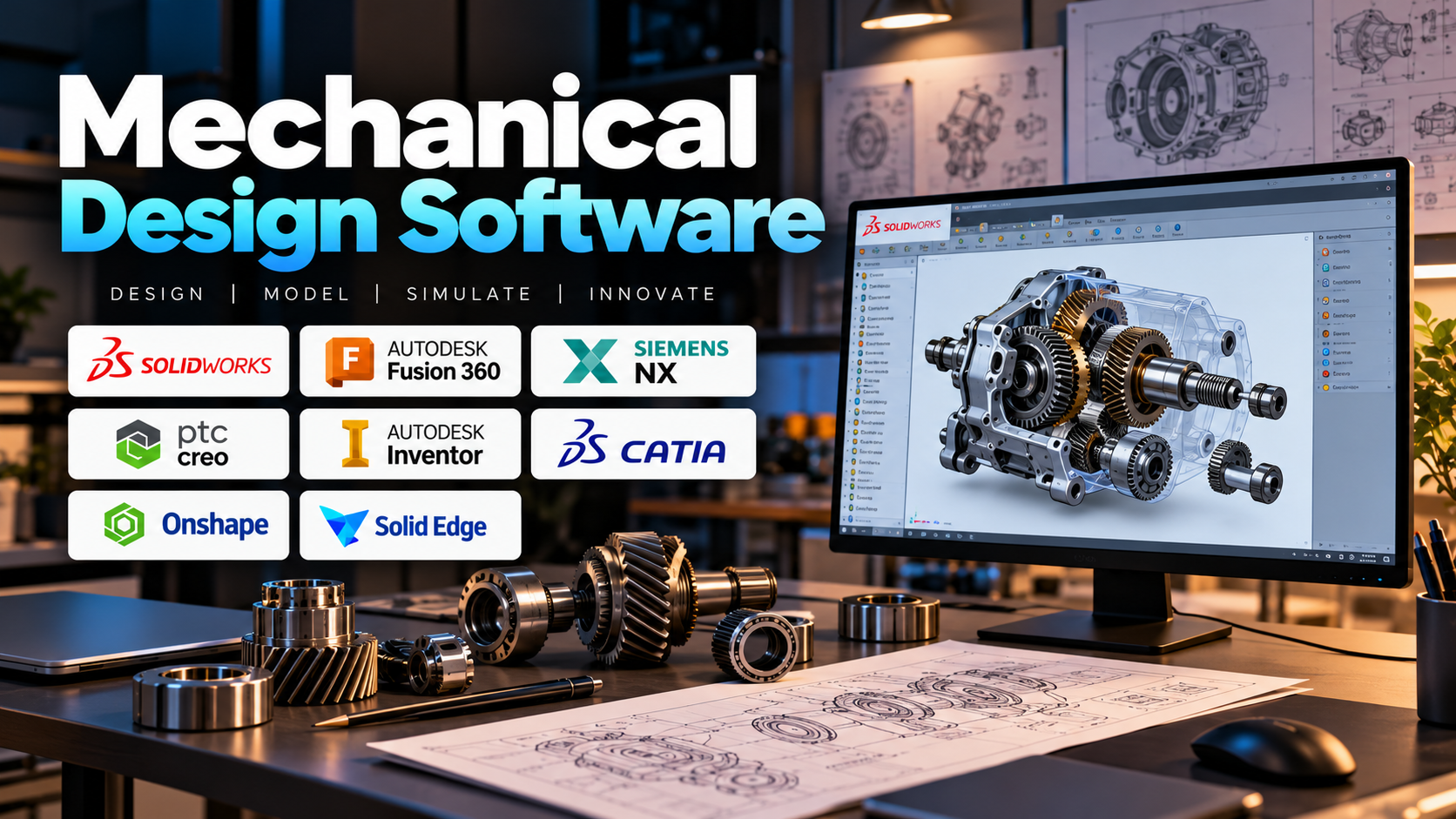
Popular platforms include SOLIDWORKS, Autodesk Inventor, Fusion, CATIA, Siemens NX, PTC Creo, Onshape, and Solid Edge. Each offers different capabilities for mechanical design, collaboration, product development, and engineering workflows.
2. What Is Mechanical Design Software?
Mechanical design software is a category of engineering applications used to develop the geometry and documentation of mechanical parts, assemblies, and systems.
Many tools use Computer-Aided Design (CAD) technology to create accurate digital representations of physical components. Engineers can define dimensions, modify features, assemble parts, and produce technical drawings without repeatedly recreating a design from scratch.
For example, when designing a gearbox, an engineer can model gears, shafts, bearings, and the housing separately, then assemble them to check how the components fit together. The resulting model can support drawing creation, design reviews, and further analysis.
Mechanical design software is closely related to other engineering technologies:
- CAD: Creates and documents engineering geometry.
- CAE: Analyses performance, including stress, deformation, vibration, and thermal behaviour.
- CAM: Helps prepare manufacturing operations and toolpaths.
- PDM and PLM: Help manage engineering files, revisions, product information, and development processes.
These technologies may be integrated into one platform or connected through separate applications.
3. Key Features and Capabilities
3.1 2D Drafting and 3D Modelling
Engineers can create dimensioned drawings, solid models, surfaces, and other geometric representations. Three-dimensional models make it easier to understand complex shapes and inspect components from different angles.
3.2 Parametric Design
Parametric modelling allows dimensions and design relationships to control geometry. If a shaft diameter changes, dependent features can update according to the model’s defined relationships.
This makes revisions easier and reduces the need to rebuild designs manually.
3.3 Assembly Modelling
Assembly tools allow multiple components to be combined using constraints or relationships that define how parts fit together.
Engineers can inspect clearances, alignment, component placement, and potential interference before manufacturing begins.
3.4 Technical Drawing Generation
Many applications can generate engineering drawings from 3D models. Drawings may include dimensions, tolerances, section views, detail views, and other manufacturing information.
Accurate documentation helps communicate design requirements to production and quality teams.
3.5 Simulation and Manufacturing Integration
Depending on the software, designs can be transferred to simulation tools for engineering analysis or to CAM applications for manufacturing preparation. Some platforms also provide built-in simulation and manufacturing features.
4. Popular Mechanical Design Software
Different applications suit different design requirements, industries, and budgets.
- SOLIDWORKS: Widely used for mechanical part modelling, assemblies, technical drawings, and product development.
- Autodesk Inventor: Supports parametric mechanical design, assemblies, and engineering documentation.
- Autodesk Fusion: Combines CAD with supported simulation, manufacturing, and collaboration workflows in an integrated environment.
- CATIA: Used for complex product development, surface modelling, and large engineering projects, particularly in industries such as aerospace and automotive.
- Siemens NX: Offers advanced design capabilities alongside engineering simulation and manufacturing workflows.
- PTC Creo: Provides parametric and direct modelling capabilities for mechanical product design and development.
- Onshape: A cloud-based CAD platform that supports collaborative design and version management.
- Solid Edge: Provides mechanical CAD capabilities, including parametric design and specialised modelling approaches.
Quick Comparison
| Software | Main Strength |
|---|---|
| SOLIDWORKS | Mechanical parts and assemblies |
| Autodesk Inventor | Parametric mechanical design |
| Autodesk Fusion | Integrated design and manufacturing |
| CATIA | Complex products and surface modelling |
| Siemens NX | Advanced product engineering |
| PTC Creo | Parametric product design |
| Onshape | Cloud-based collaboration |
| Solid Edge | Mechanical design and flexible modelling |
The best platform depends on the complexity of the products, existing engineering systems, collaboration needs, and the level of design and manufacturing integration required.
5. How Mechanical Design Software Works
A typical mechanical design workflow begins with understanding the product requirements and developing an initial concept.
Step 1: Concept development. Engineers establish the product’s function, dimensions, materials, and operating requirements.
Step 2: Part modelling. Individual components are created using sketches, dimensions, geometric features, and modelling tools.
Step 3: Assembly creation. Components are combined to check fit, alignment, clearances, and overall arrangement.
Step 4: Design review. Engineers inspect the model, revise dimensions, and address potential interference or design issues.
Step 5: Drawing preparation. Technical drawings and associated documentation are created for manufacturing and inspection.
Step 6: Analysis and production preparation. Where necessary, the design is evaluated using simulation tools and prepared for manufacturing through suitable CAM or other production workflows.
The process is iterative. Engineers often revise a design several times before it meets performance, cost, manufacturing, and quality requirements.
6. Applications Across Industries
Mechanical design software is used wherever physical products, machines, or mechanical systems need to be developed.
- Automotive: Designing vehicle components, engine parts, chassis elements, and assemblies.
- Aerospace: Modelling aircraft components, mechanisms, structural parts, and complex assemblies.
- Industrial machinery: Developing gears, shafts, fixtures, machine frames, and production equipment.
- Energy: Designing turbine components, pumps, valves, and equipment housings.
- Medical devices: Creating precision mechanical components, instruments, and device enclosures.
- Consumer products: Designing appliances, tools, furniture mechanisms, and product housings.
- Manufacturing: Preparing component models and drawings for machining, fabrication, and assembly.
For example, an engineer designing a pump housing can use 3D modelling to establish the geometry, assembly tools to check component fit, and technical drawings to communicate manufacturing dimensions.
7. Benefits and Limitations
Benefits
- Improves dimensional accuracy and design consistency.
- Makes design revisions easier through parametric modelling.
- Helps identify assembly and interference issues early.
- Speeds up technical drawing preparation.
- Supports collaboration between design and manufacturing teams.
- Can connect design with simulation and production workflows.
Limitations
- Professional software may require paid licences and training.
- Complex models can demand substantial computing resources.
- Poorly structured models may become difficult to edit.
- Software does not automatically guarantee a design is safe or manufacturable.
- Engineers still need to understand materials, tolerances, manufacturing methods, and mechanical principles.
Digital modelling reduces many design difficulties, but engineering judgement remains essential.
8. How to Choose the Right Software
Start by identifying the type of products you intend to design. Simple mechanical parts and assemblies may require different capabilities from large aerospace systems or complex industrial machinery.
Consider the following factors:
- Ease of learning: Is the interface suitable for beginners or experienced designers?
- Modelling capabilities: Does it support the parts, surfaces, and assemblies you need?
- Drawing tools: Can it produce the technical documentation required by your organisation?
- Simulation and CAM: Does it provide or integrate with the analysis and manufacturing tools you use?
- Collaboration: Can team members share designs and manage revisions effectively?
- Cost and licensing: Do the available plans fit your budget and usage requirements?
- Industry compatibility: Is the software commonly used in your target industry or workplace?
Students can begin with accessible learning resources and suitable educational options, while professional teams should evaluate software using representative projects before making a long-term commitment.
9. Frequently Asked Questions
Is mechanical design software the same as CAD software?
Mechanical design software commonly uses CAD technology, but the term can also include connected tools for assemblies, documentation, simulation, and manufacturing workflows.
Which mechanical design software is best for beginners?
SOLIDWORKS, Autodesk Inventor, and Autodesk Fusion are common options to explore. The most suitable choice depends on access, learning resources, intended projects, and industry goals.
Do mechanical design engineers need to learn 3D modelling?
Three-dimensional modelling is an important skill in many modern mechanical design roles. Engineers may also need drawing interpretation, dimensioning, tolerances, material selection, and manufacturing knowledge.
Can mechanical design software perform simulations?
Some platforms include simulation features, while others connect to dedicated CAE applications. The available analyses depend on the software and its configuration.
Is mechanical design software used in manufacturing?
Yes. Digital models and drawings support manufacturing planning, inspection, assembly, and, when connected to suitable CAM software, CNC machining preparation.
10. Conclusion
Mechanical design software is an essential part of modern product development. It helps engineers create accurate 2D drawings and 3D models, manage assemblies, revise designs efficiently, and prepare technical documentation for manufacturing.
Tools such as SOLIDWORKS, Autodesk Inventor, Fusion, CATIA, Siemens NX, PTC Creo, Onshape, and Solid Edge serve a wide range of mechanical engineering needs. Their capabilities differ, so selecting the right platform requires considering design complexity, collaboration, manufacturing integration, training, and cost.
Ultimately, software is only one part of successful mechanical design. Combining digital modelling with sound engineering principles, material knowledge, manufacturing awareness, and careful review leads to designs that are more practical, reliable, and ready for production.