Table of Contents
- Understanding Electronic Design Automation
- What EDA Software Does
- Major Types of EDA Tools
- Popular EDA Software Platforms
- How an EDA Workflow Works
- Applications Across Industries
- Benefits and Challenges
- How to Choose the Right EDA Software
- Frequently Asked Questions
- Conclusion
1. Understanding Electronic Design Automation
Designing a modern electronic device involves much more than connecting components on a circuit board. Engineers must ensure that circuits behave as intended, signals travel reliably, power is distributed correctly, and the final design can be manufactured. For integrated circuits, the challenge becomes even greater, with millions or billions of transistors and strict requirements for performance, power consumption, and physical layout.
Electronic Design Automation (EDA) software provides the tools engineers use to design, simulate, verify, and prepare electronic systems for manufacturing. It supports everything from printed circuit boards (PCBs) and electronic circuits to complex semiconductor chips and system-on-chip designs.
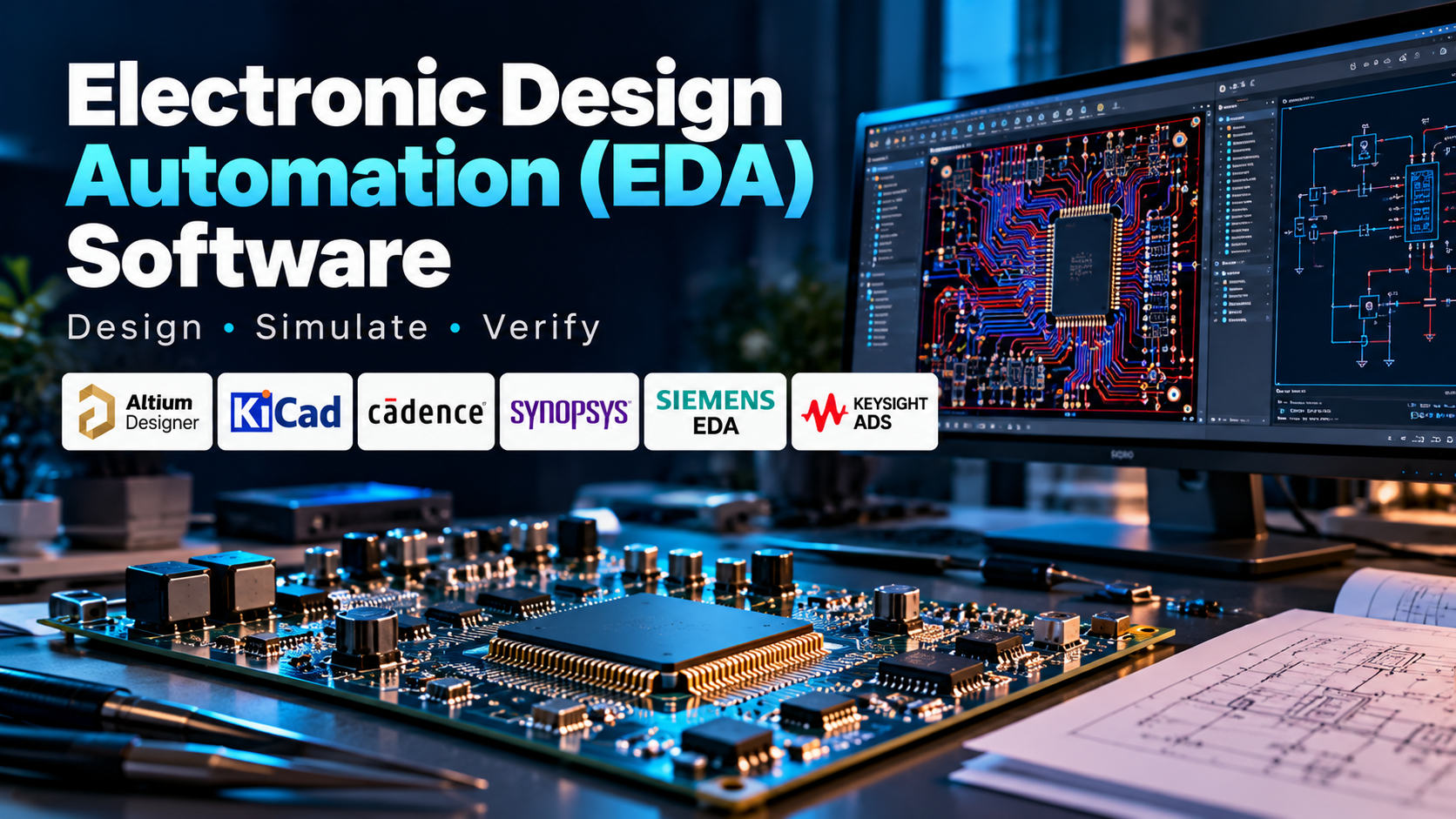
EDA is a broad category rather than a single type of application. A PCB designer may use software such as Altium Designer or KiCad, while a semiconductor design team may rely on specialised tools from Cadence, Synopsys, or Siemens EDA.
Choosing the right tool depends on what is being designed, the complexity of the circuit, the verification required, and the manufacturing process involved.
2. What EDA Software Does
EDA software transforms electronic design requirements into digital models that can be tested and prepared for production.
Its main functions include:
- Schematic capture: Creating circuit diagrams that show components and their electrical connections.
- Circuit simulation: Predicting circuit behaviour before building a physical prototype.
- PCB layout: Arranging components and routing copper connections across circuit-board layers.
- Integrated circuit design: Developing chip logic, transistor-level circuits, and physical layouts.
- Verification and design-rule checking: Identifying design errors and checking whether a design meets defined constraints.
- Signal and power integrity analysis: Investigating signal quality, electrical noise, voltage drops, and power-distribution behaviour.
- Manufacturing preparation: Generating design data and files required by PCB manufacturers or semiconductor fabrication workflows.
For example, when developing a sensor-based embedded system, an engineer can draw the circuit schematic, select suitable components, design the PCB, check electrical connections, and prepare manufacturing outputs using an appropriate EDA workflow.
Simulation and verification help identify problems early, although they do not eliminate the need for prototype testing and manufacturing checks.
3. Major Types of EDA Tools
PCB Design Software
PCB design tools help engineers convert circuit schematics into physical board layouts. They support component placement, trace routing, multilayer boards, design-rule checks, and manufacturing documentation.
These tools are commonly used for embedded systems, consumer electronics, industrial controllers, and power-electronic circuits.
Circuit Simulation Software
Circuit simulators analyse electrical behaviour using mathematical models. Depending on the tool, engineers can investigate voltage, current, frequency response, switching behaviour, and transient performance.
Simulation is particularly useful for testing circuit concepts before constructing hardware. However, model accuracy and component parameters influence how closely predictions match the finished circuit.
IC and Semiconductor Design Software
Integrated circuit design tools support the development of semiconductor devices, from logic and transistor-level design to physical implementation.
These workflows may include logic synthesis, placement, routing, timing analysis, verification, and preparation for manufacturing. They require specialised tools because chip design involves constraints that are very different from those of an ordinary PCB.
FPGA Design and Verification Tools
Field-programmable gate array (FPGA) tools help engineers describe digital hardware, simulate its behaviour, synthesise logic, and implement designs on programmable devices.
They are used in embedded computing, communications, digital signal processing, and hardware prototyping.
Electronic Verification and Analysis Tools
Verification tools help detect logical errors, timing problems, electrical-rule violations, and physical-design issues. More advanced workflows may include electromagnetic analysis, signal integrity, power integrity, and checks related to manufacturing constraints.
These capabilities become particularly important when designs operate at high speeds or contain dense, complex circuitry.
4. Popular EDA Software Platforms
Different EDA products serve different stages of electronic design, so they should not all be treated as direct competitors.
Altium Designer
Altium Designer provides an integrated environment for schematic capture, PCB layout, and associated design documentation. It is used by electronics engineers who need a connected workflow for developing circuit boards.
Its suitability depends on board complexity, collaboration requirements, component-library management, and the team’s budget.
KiCad
KiCad is a free, open-source EDA suite that supports schematic capture, PCB layout, and manufacturing outputs. It runs across major desktop operating systems and is suitable for learning, prototyping, and many professional PCB projects.
Its open-source model is attractive to students, independent designers, and teams that want to avoid proprietary licence costs. Users should still assess whether its workflow and available integrations meet their specific project requirements.
Cadence OrCAD and Allegro
Cadence provides EDA tools for PCB design, circuit development, and advanced electronic engineering workflows. OrCAD is commonly associated with circuit design and PCB development, while Allegro supports more demanding PCB design requirements.
These tools may be considered when projects require detailed constraints, complex board layouts, and integration with broader design and verification processes.
Synopsys EDA Tools
Synopsys provides software for semiconductor design, verification, and implementation. Its tools support workflows involving digital and custom integrated circuits, logic verification, and physical design.
Synopsys is particularly relevant to organisations developing advanced chips rather than simply designing individual PCBs.
Siemens EDA
Siemens EDA offers tools for PCB and electronic systems design, IC verification, semiconductor implementation, and manufacturing-related analysis.
Its portfolio includes products such as Xpedition for PCB design and Calibre for IC verification and design-for-manufacturing workflows.
Keysight ADS
Keysight Advanced Design System (ADS) focuses on electronic design and simulation applications involving RF, microwave, high-frequency circuits, and related systems.
It is relevant to engineers working on wireless communications, high-frequency electronics, and specialised signal-integrity or electromagnetic problems.
Quick Comparison
| Software | Main focus |
|---|---|
| Altium Designer | Integrated PCB design |
| KiCad | Open-source schematic and PCB design |
| Cadence OrCAD and Allegro | Circuit design and advanced PCB workflows |
| Synopsys EDA | Semiconductor design and verification |
| Siemens EDA | PCB, IC verification, and electronic systems |
| Keysight ADS | RF and high-frequency circuit design |
The right choice depends on whether the main task is designing a circuit board, simulating an electrical circuit, developing an FPGA, or creating a semiconductor chip.
5. How an EDA Workflow Works
An electronic design project typically moves through several connected stages.
Step 1: Define requirements. Establish the circuit’s function, electrical specifications, operating conditions, power requirements, and physical constraints.
Step 2: Create the schematic. Select components and define how they connect electrically.
Step 3: Simulate and verify. Where suitable models and tools are available, analyse circuit behaviour and investigate potential problems before hardware is built.
Step 4: Design the physical layout. For PCB projects, place components and route traces while considering layer stack-up, clearances, grounding, and signal paths.
Step 5: Run design checks. Use electrical and design-rule checks to identify issues. Complex designs may also require timing, signal integrity, power integrity, or electromagnetic analysis.
Step 6: Generate manufacturing files. Prepare the relevant outputs, such as Gerber or IPC-2581 data, drill files, bills of materials, and assembly documentation for PCB production. Semiconductor designs follow different manufacturing handoff and sign-off processes.
Step 7: Prototype and test. Validate the manufactured hardware, compare measured behaviour with predictions, and revise the design if necessary.
A connected workflow helps reduce avoidable errors, but the quality of the result still depends on correct requirements, suitable models, careful verification, and real-world testing.
6. Applications Across Industries
EDA software is essential wherever electronic circuits, boards, or semiconductor devices are developed.
- Consumer electronics: Designing circuit boards for phones, appliances, wearables, and connected devices.
- Automotive: Developing electronic control units, sensor systems, vehicle communication hardware, and embedded controllers.
- Telecommunications: Designing RF circuits, communication hardware, antennas, and high-speed digital systems.
- Industrial automation: Creating controller boards, sensor interfaces, motor-control circuits, and monitoring systems.
- Power electronics: Developing switching converters, inverter control boards, battery-management circuits, and power-distribution hardware.
- Semiconductor engineering: Designing and verifying integrated circuits for processors, memory, communications, and specialised computing.
- Medical electronics: Developing circuit boards and electronic subsystems for medical equipment, subject to applicable safety and regulatory requirements.
For example, an engineer designing a battery-management system may use PCB design tools to place sensing and control components, simulation tools to examine selected circuit behaviours, and verification checks to identify electrical or layout problems before manufacturing.
7. Benefits and Challenges
Benefits
- Detects many design errors before physical production.
- Supports simulation and systematic verification.
- Improves the accuracy and consistency of electronic design documentation.
- Helps manage complex circuits and multilayer PCB layouts.
- Supports collaboration between design, verification, and manufacturing teams.
- Can reduce unnecessary prototype iterations and costly redesigns.
Challenges
- Advanced semiconductor tools can be expensive and complex.
- Different tools may use different file formats, libraries, and workflows.
- Simulation results depend on model quality and correct input parameters.
- High-speed and high-density designs require specialised expertise.
- Passing design-rule checks does not guarantee that hardware will work correctly.
- Teams must maintain component libraries, constraints, and design revisions carefully.
EDA software is most effective when combined with sound electronics knowledge, disciplined verification, and prototype testing.
8. How to Choose the Right EDA Software
Begin by identifying the type of hardware you intend to develop. A student creating a simple sensor board does not need the same toolchain as a team designing a complex processor.
Consider these factors:
- Design scope: Is the project a simple circuit, multilayer PCB, FPGA, or integrated circuit?
- Simulation requirements: Do you need basic circuit simulation, RF analysis, signal integrity, or semiconductor verification?
- Design complexity: Consider component density, board layers, operating frequency, timing constraints, and power requirements.
- Manufacturing compatibility: Check whether the software generates the files and documentation required by your manufacturer.
- Collaboration: Evaluate library sharing, revision control, team workflows, and integration with other engineering tools.
- Cost and licensing: Compare commercial licences, educational access, free options, and ongoing support costs.
- Learning resources: Look for reliable documentation, tutorials, training, and community support.
For learning PCB design, KiCad can be a practical starting point. Engineers working on professional PCB projects may evaluate Altium Designer, OrCAD, or Allegro, while semiconductor development generally requires specialised IC design and verification tools.
Before committing to a platform, test it using a representative project and check the complete workflow—from schematic creation to verification and manufacturing handoff.
9. Frequently Asked Questions
What is EDA software used for?
EDA software helps engineers design, simulate, verify, and prepare electronic circuits, PCBs, integrated circuits, and related systems for manufacturing.
What is the difference between EDA and PCB design software?
PCB design software is one part of the broader EDA category. EDA also includes circuit simulation, semiconductor design, FPGA workflows, and specialised verification tools.
Is KiCad suitable for beginners?
Yes. KiCad is free and open source, supports schematic capture and PCB layout, and can be used for learning and many practical design projects.
Which EDA software is used for chip design?
Semiconductor teams use specialised tools from providers such as Synopsys, Cadence, and Siemens EDA. The required toolchain depends on the chip architecture, verification needs, manufacturing process, and design stage.
Can EDA software replace hardware testing?
No. Simulation and automated checks help identify problems before production, but physical prototypes and appropriate testing remain important for confirming real-world performance.
10. Conclusion
Electronic Design Automation software supports the complete development of electronic hardware, from circuit schematics and PCB layouts to FPGA implementation and advanced semiconductor design. Its tools help engineers manage complexity, verify designs, and prepare reliable manufacturing data.
Platforms such as KiCad and Altium Designer address PCB design needs, Cadence and Synopsys support broader electronic and semiconductor workflows, Siemens EDA spans PCB and IC-related processes, and Keysight ADS specialises in RF and high-frequency design.
The most important selection decision is to match the software to the actual engineering task. By considering design complexity, simulation needs, verification requirements, collaboration, and manufacturing compatibility, engineers can choose tools that support their workflow without unnecessary cost or complexity.
Ultimately, EDA software improves the process of electronic design, but successful hardware still depends on engineering judgement, disciplined verification, and testing of the finished product.