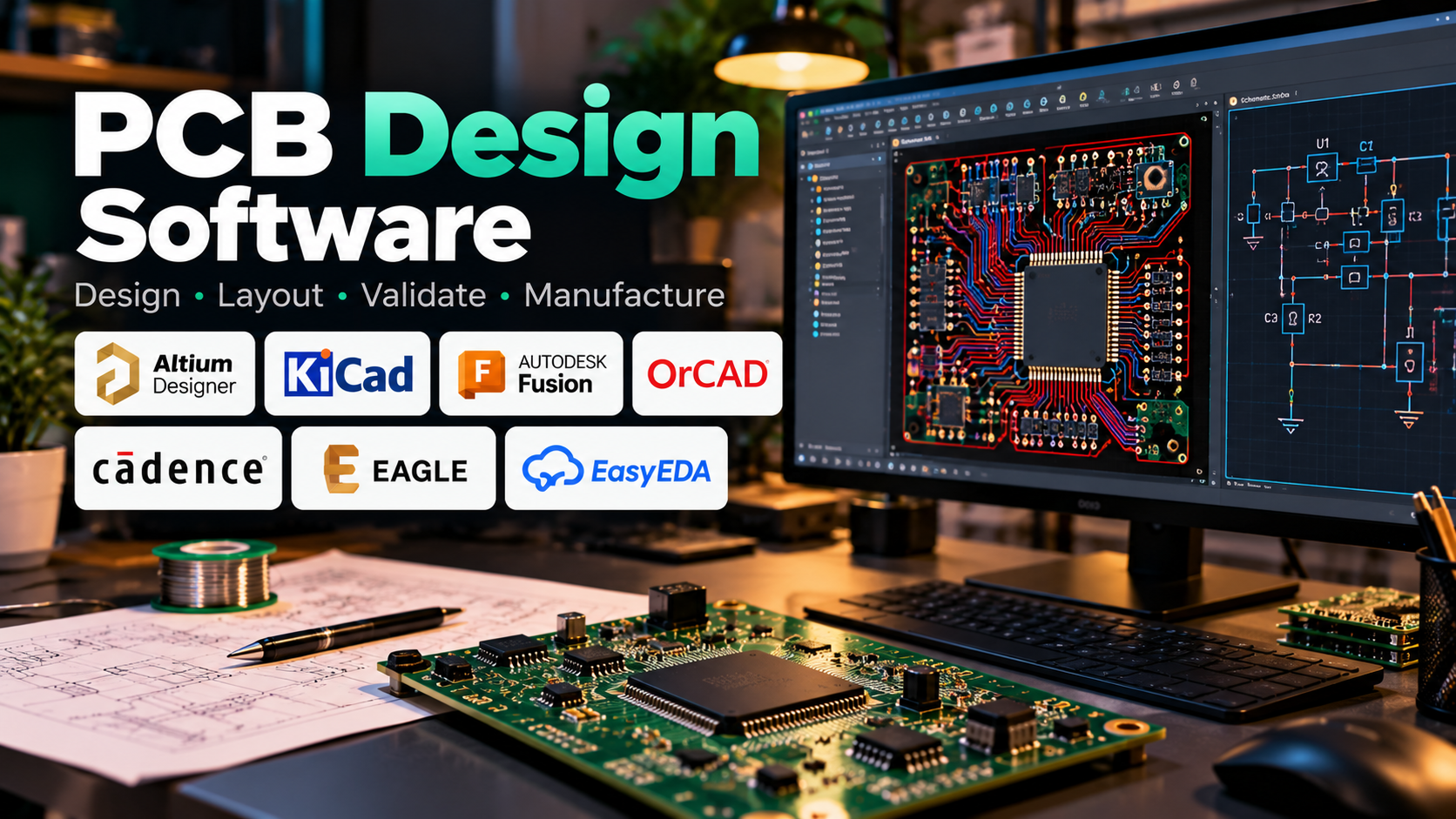
Printed Circuit Board (PCB) design software is an essential tool in electronics engineering, enabling engineers and designers to transform circuit diagrams into physical boards that connect and support electronic components. From simple hobby projects to complex industrial electronics, PCB design tools help create circuit layouts, route electrical connections, verify designs, and prepare boards for manufacturing. By combining schematic capture, component placement, routing, and design-rule checking, these applications reduce manual effort and help engineers develop reliable electronic products.
Table of Contents
- What Is PCB Design Software?
- How PCB Design Software Works
- Key Features to Look For
- Popular PCB Design Software
- PCB Design Workflow
- Applications Across Industries
- Benefits and Challenges
- How to Choose the Right Software
- Frequently Asked Questions
1. What Is PCB Design Software?
PCB design software is an engineering application used to design the layout of a printed circuit board, the physical platform that connects electronic components through conductive copper tracks. It allows users to define where components are placed, how their pins are connected, and how electrical signals travel across the board.
A PCB design project typically begins with a schematic, which represents the circuit using symbols and electrical connections. The design is then converted into a physical layout containing component footprints, copper traces, vias, pads, and board outlines.
Modern PCB design software can also support electrical-rule checks, manufacturing-rule checks, 3D board visualization, component libraries, and manufacturing file generation. These features help engineers identify potential issues before sending a design for fabrication.
PCB design tools are used by electronics engineers, embedded systems developers, students, hardware startups, and manufacturers working on everything from simple sensor boards to advanced multilayer circuit boards.
2. How PCB Design Software Works
PCB design software brings several engineering tasks together in one environment.
Schematic capture: Engineers create a logical representation of the circuit by connecting components such as resistors, capacitors, microcontrollers, sensors, and integrated circuits.
Component selection and footprints: Each schematic component is associated with a physical footprint that defines its pads, dimensions, and mounting arrangement on the board.
Component placement: Components are positioned on the PCB according to electrical requirements, physical dimensions, thermal considerations, and assembly constraints.
Routing: Copper traces and vias connect component pads according to the schematic. Routing must account for track width, spacing, signal integrity, and the number of available board layers.
Design verification: Electrical-rule checking (ERC) and design-rule checking (DRC) help identify problems such as invalid connections, insufficient clearances, and manufacturing constraints violations.
Manufacturing output: Once the design is ready, the software can generate files such as Gerber data, drill files, and other fabrication or assembly outputs required by the manufacturer.
The precise features available at each stage depend on the software and its licensing level.
3. Key Features to Look For
The right feature set can make PCB development faster, more accurate, and easier to maintain.
- Schematic capture: Helps create and manage circuit diagrams before physical layout begins.
- PCB layout and routing: Supports component placement, copper routing, vias, copper pours, and multilayer board design.
- Design-rule checking: Detects layout violations before manufacturing and helps enforce project-specific constraints.
- Component libraries: Provides symbols, footprints, and component information to reduce repetitive work.
- 3D visualization: Allows designers to inspect board geometry, component placement, and potential mechanical conflicts.
- Signal integrity and simulation: Advanced tools may help evaluate electrical behavior, high-speed signals, or circuit performance.
- Manufacturing documentation: Generates fabrication and assembly outputs that communicate the design requirements to production teams.
- Collaboration and version control: Useful for teams that need to review revisions, manage libraries, and coordinate hardware development.
For beginners, an intuitive interface and accessible component libraries may be the most important features. Engineers working on high-speed digital systems, RF circuits, or complex multilayer boards may require more advanced analysis and constraint-management capabilities.
4. Popular PCB Design Software
Several tools serve different needs, from individual learning projects to professional electronics development.
Altium Designer
Altium Designer is a commercial electronics design platform that combines schematic capture, PCB layout, routing, component management, and 3D visualization. It is commonly considered by professional hardware teams that need an integrated design environment for complex boards and collaborative workflows.
KiCad
KiCad is a free, open-source electronics design suite that includes schematic capture, PCB layout, a component and footprint library system, and 3D board viewing. It is a practical choice for students, hobbyists, researchers, and professionals who want capable PCB design tools without a proprietary software license.
Autodesk Fusion Electronics
Autodesk Fusion includes electronics design capabilities that connect schematic development and PCB layout with broader product design workflows. It can be useful when electronic hardware and mechanical enclosure design need to be considered together.
Cadence OrCAD and Allegro
Cadence offers PCB design solutions ranging from circuit design and layout tools to advanced professional PCB engineering environments. Depending on the product, capabilities can include constraint-driven routing, design verification, and support for demanding high-speed designs.
EAGLE
EAGLE is a PCB design tool historically known for its schematic and board-layout workflow, particularly among electronics makers and smaller design teams. Anyone considering it for a new project should verify its current availability, licensing, and compatibility with their preferred workflow.
EasyEDA
EasyEDA provides a PCB design environment with schematic capture, board layout, and connections to electronic component and manufacturing workflows. Its browser-based accessibility makes it attractive for quick projects, learning, and users who prefer a relatively straightforward setup.
No single tool is best for every project. The appropriate choice depends on circuit complexity, workflow requirements, budget, collaboration needs, and manufacturing constraints.
5. PCB Design Workflow: From Circuit Diagram to Manufactured Board
A reliable PCB development process follows a series of connected steps.
Step 1: Define requirements. Identify the circuit’s functions, operating voltage, current requirements, board dimensions, interfaces, environmental conditions, and expected production volume.
Step 2: Create the schematic. Add components and establish electrical connections. Check component ratings, pin assignments, and power connections before proceeding.
Step 3: Assign footprints. Match each schematic component to an appropriate physical footprint. Verify dimensions, pin numbering, mounting requirements, and manufacturer datasheets.
Step 4: Arrange components. Position critical components first, including connectors, power circuitry, processors, and components with mechanical constraints. Keep sensitive signals and high-current paths in mind.
Step 5: Route the board. Connect components using copper traces and vias. Select suitable trace widths and clearances, and consider return paths, grounding, and signal integrity.
Step 6: Run design checks. Use ERC and DRC tools to identify electrical and physical layout problems. Review warnings rather than assuming that a successful automated check guarantees a flawless board.
Step 7: Inspect and validate. Examine the board in 2D and 3D, verify critical dimensions, review component placement, and check manufacturing requirements.
Step 8: Generate manufacturing files. Export the required fabrication and assembly outputs, then confirm that the files match the manufacturer’s specifications.
Step 9: Test the manufactured board. After fabrication and assembly, inspect the hardware and test its electrical behavior under appropriate operating conditions. Real-world testing can reveal issues that software checks alone cannot detect.
6. Applications Across Industries
PCB design software supports a broad range of electronic products.
- Consumer electronics: Smartphones, televisions, wearable devices, smart home products, and audio equipment.
- Automotive electronics: Control units, sensor interfaces, battery-management electronics, and vehicle communication systems.
- Industrial automation: Motor controllers, monitoring systems, programmable controllers, and machine interfaces.
- Medical devices: Electronic subsystems for monitoring, diagnostics, and medical instrumentation, subject to relevant safety and regulatory requirements.
- IoT and embedded systems: Microcontroller boards, wireless sensor nodes, connected appliances, and environmental monitoring devices.
- Aerospace and defence: Specialized electronic assemblies that may require rigorous reliability, environmental, and traceability controls.
The complexity of the board and the consequences of failure determine how much verification, documentation, and testing are necessary.
7. Benefits and Challenges of PCB Design Software
PCB design software helps engineers work more efficiently by centralizing circuit documentation, board layout, component information, and verification tasks. Automated checks can catch common errors early, while reusable libraries and design templates reduce repetitive work. Three-dimensional visualization can also help identify physical conflicts before manufacturing.
However, software cannot replace engineering judgment. Incorrect component footprints, unsuitable trace widths, poor grounding, electromagnetic interference, thermal problems, or incomplete design constraints can still result in a board that fails in practice. Complex designs may require specialist tools, detailed analysis, prototype testing, and multiple revision cycles.
Licensing costs and learning curves also vary. A free tool may be sufficient for a small board, while a large hardware development team may benefit from paid features for collaboration, advanced constraints, and integration with other engineering systems.
8. How to Choose the Right PCB Design Software
Start by matching the tool to the type of board you intend to build.
For students and beginners: Look for accessible tutorials, a straightforward interface, reliable libraries, and a low-cost way to create complete projects. KiCad and EasyEDA are common starting points.
For hobbyists and small teams: Consider how easily the software supports common components, prototype manufacturing, library management, and project revisions.
For professional hardware engineers: Evaluate constraint-driven layout, multilayer routing, collaboration, component lifecycle information, documentation, and integration with existing engineering workflows.
For high-speed or RF designs: Investigate the availability of relevant signal-integrity, electromagnetic, and RF design capabilities rather than relying on basic layout features alone.
For products with mechanical constraints: Prioritize 3D visualization and workflows that help coordinate PCB dimensions, connectors, enclosure geometry, and component clearance.
Before committing to a platform, build a small representative project. Check how easily you can create the schematic, assign footprints, route the board, run design checks, and generate manufacturing files. This practical comparison often reveals more than a feature list.
9. Frequently Asked Questions
Is PCB design software suitable for beginners?
Yes. Many tools support learning through schematic capture, component libraries, tutorials, and simple board layouts. Starting with a small microcontroller or sensor board is an effective way to learn the workflow.
Is free PCB design software good enough for professional projects?
It can be. Free tools such as KiCad support substantial PCB design work. Whether a free platform is appropriate depends on project complexity, collaboration requirements, verification needs, and the team’s established workflow.
What is the difference between schematic design and PCB layout?
A schematic describes the circuit’s logical electrical connections. PCB layout defines the physical placement of components and the copper paths that connect them on the board.
Can PCB design software automatically route a circuit?
Some tools provide automatic or assisted routing. However, automatically routed boards still require careful review because electrical performance, manufacturability, thermal behavior, and signal integrity depend on more than whether every connection has been completed.
What files are needed to manufacture a PCB?
Common outputs include Gerber files and drill files, along with fabrication notes and assembly documentation where required. The exact file set depends on the board design and the manufacturer’s process.
Conclusion
PCB design software is a fundamental part of modern electronics development, bridging the gap between circuit concepts and manufacturable hardware. By combining schematic capture, component placement, routing, design verification, and manufacturing outputs, these tools help engineers develop boards for applications ranging from basic embedded projects to complex industrial systems.
The best choice is not necessarily the software with the largest number of features. It is the tool that fits the project’s complexity, supports the required engineering checks, and allows the designer to move confidently from an initial circuit diagram to a tested physical board.