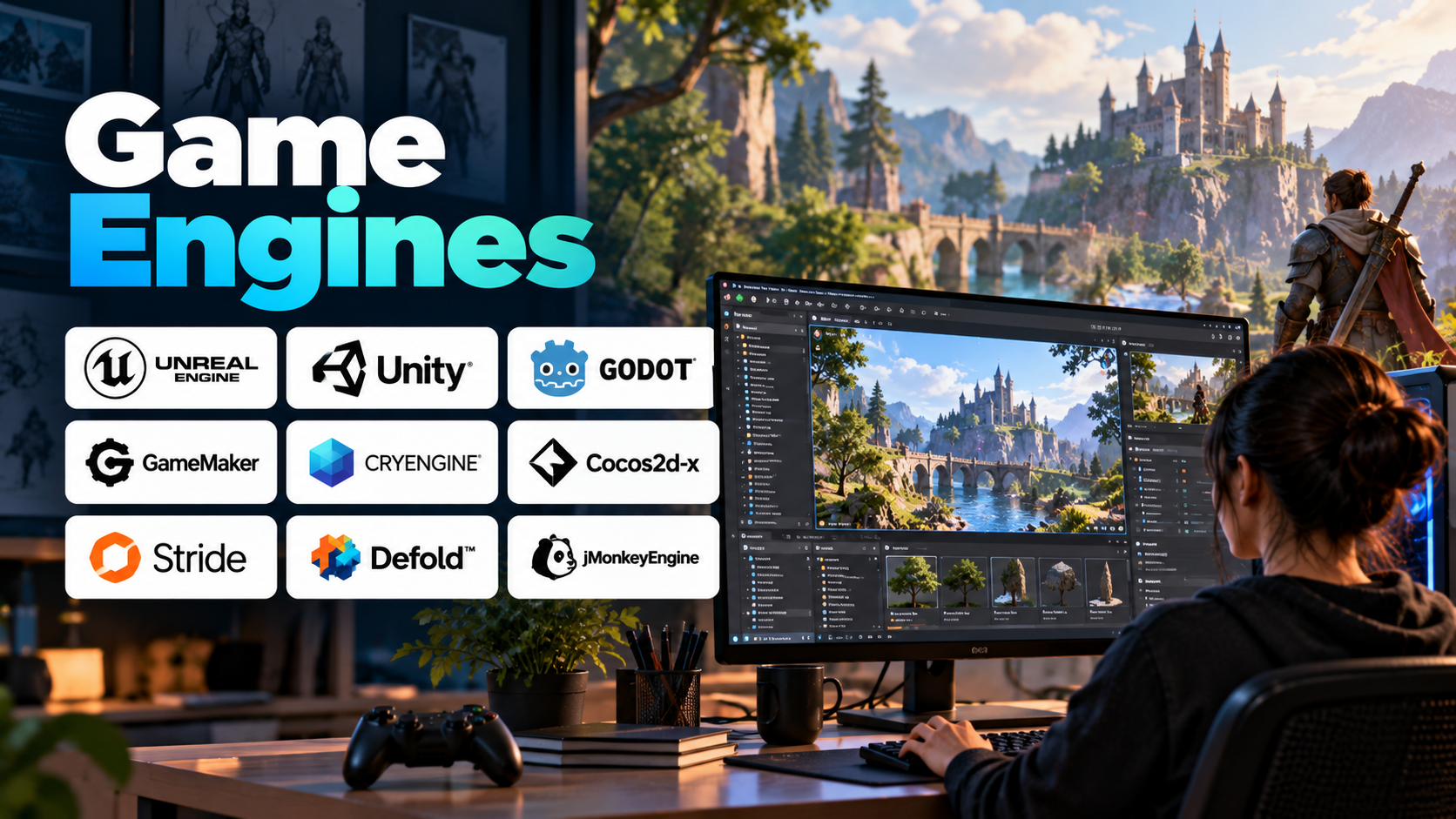
From realistic open-world adventures to simple mobile puzzles, video games rely on specialized software that brings graphics, physics, sound, animation, and player interaction together. At the center of this process is the game engine—a development environment that provides the core systems needed to build, test, and deploy interactive experiences.
Game engines help developers avoid building every technical component from scratch. Instead, they can use existing tools for rendering, physics, animation, scripting, audio, and asset management while concentrating on gameplay and creative design.
Whether you are an aspiring game developer, an indie creator, or part of a professional studio, understanding game engines is an important step toward choosing the right technology for your project.
Table of Contents
- What Is a Game Engine?
- How Game Engines Work
- Essential Features of a Game Engine
- Popular Game Engines
- Applications Beyond Gaming
- Benefits and Challenges
- How to Choose the Right Game Engine
- Frequently Asked Questions
1. What Is a Game Engine?
A game engine is a software framework that provides the fundamental systems required to develop and run interactive games. It typically includes graphics rendering, physics simulation, input handling, animation, audio, scripting, and tools for organizing game assets.
For example, in a racing game, the engine renders the track and vehicles, processes controller input, simulates vehicle movement, plays sound effects, and updates the game world as the player drives.
Without an engine, developers would need to implement many of these systems independently. A game engine provides reusable functionality that makes development more manageable.
Game engines vary in complexity. Some are designed for lightweight 2D games, while others support large 3D environments, advanced visual effects, multiplayer networking, and virtual reality.
2. How Game Engines Work
A game engine coordinates multiple systems that work together during development and gameplay.
Rendering: Converts 2D and 3D scene information into images displayed on the screen. This includes objects, materials, lighting, shadows, and visual effects.
Physics simulation: Calculates interactions involving movement, collisions, gravity, and other physical properties. Depending on the engine, physics may be handled by built-in systems or integrated libraries.
Game logic: Controls the rules and behavior of the game, such as player movement, enemy behavior, scoring, inventory, and mission progression.
Input management: Processes signals from keyboards, mice, controllers, touchscreens, and supported motion-tracking devices.
Animation: Controls character movement, skeletal animation, object transformations, and transitions between actions.
Audio: Manages music, dialogue, sound effects, and spatial audio where supported.
Asset management: Organizes models, textures, scripts, scenes, audio files, and other resources used in the game.
Build and deployment: Packages the project for supported platforms, which may include desktop computers, mobile devices, consoles, and XR hardware.
These systems operate together in a continuous runtime loop. The engine processes inputs, updates the game state, calculates relevant behavior, and renders the next frame.
3. Essential Features of a Game Engine
When evaluating a game engine, consider the capabilities most relevant to your intended project.
- 2D and 3D rendering: Determines how the engine handles scenes, materials, lighting, and visual effects.
- Scene editor: Provides a visual workspace for arranging objects, environments, cameras, and other game elements.
- Scripting support: Allows developers to implement gameplay logic using supported programming languages or visual scripting systems.
- Physics and collision detection: Helps simulate movement, collisions, rigid bodies, and other interactions.
- Animation tools: Support character animation, object movement, and visual transitions.
- Audio systems: Enable sound effects, music, dialogue, and spatial audio.
- Asset pipeline: Helps import, organize, optimize, and manage project resources.
- Cross-platform deployment: Makes it possible to build for multiple supported devices, subject to platform-specific requirements.
- Profiling and debugging: Helps identify performance bottlenecks, logic errors, memory issues, and other problems.
- Multiplayer capabilities: Some engines provide networking features or integrations that support online gameplay.
A powerful engine is not automatically the best choice. For a small 2D puzzle game, a lightweight environment may be more practical than a complex engine designed for high-end 3D production.
4. Popular Game Engines
Different game engines offer different combinations of performance, workflow, licensing, and platform support.
Unreal Engine
Unreal Engine, developed by Epic Games, is widely used for high-quality real-time 3D applications. It offers advanced rendering capabilities, a visual scripting system called Blueprints, and tools for animation, level design, and cinematic content.
It is often considered for visually demanding games, architectural visualization, simulations, and virtual production. Its extensive feature set can be valuable for complex projects, although beginners may need time to learn its workflows.
Unity
Unity is a versatile development engine used for 2D and 3D games, mobile applications, interactive simulations, and XR experiences. It supports C# scripting and provides an ecosystem of packages, assets, and development tools.
Unity is commonly considered by indie developers and teams building games for multiple platforms. Its suitability depends on the project’s technical requirements, target devices, and the packages needed.
Godot
Godot is a free, open-source game engine supporting both 2D and 3D development. It includes a scene-based architecture, visual editing tools, and scripting options such as GDScript and C#.
It is particularly attractive to learners and independent developers who want an accessible development environment without a proprietary engine license. Its suitability for advanced 3D projects depends on the required rendering features and performance targets.
GameMaker
GameMaker is a game development environment particularly associated with 2D games. It provides visual development options and its own scripting language, making it useful for projects such as platformers, arcade games, and top-down adventures.
Developers looking for a focused 2D workflow may find it easier to approach than a general-purpose 3D engine.
CryEngine
CryEngine is a real-time development engine known for its rendering technology and environmental visual capabilities. It has been used for visually detailed 3D games and interactive environments.
It may suit developers whose projects benefit from its rendering and world-building features, though the learning curve and available ecosystem should be considered.
Cocos2d-x
Cocos2d-x is an open-source framework primarily associated with 2D game development and cross-platform deployment. It is relevant to developers who prefer a code-focused approach and want control over application structure.
Because it is more framework-oriented than some visual-editor-driven engines, developers should assess whether its workflow matches their experience and project requirements.
Stride
Stride is an open-source C# game engine for developing 2D and 3D applications. Its C#-based workflow can appeal to developers who prefer the .NET ecosystem and want access to an engine with an open-source codebase.
Before selecting it for a new project, verify that its current platform support and ecosystem meet the project’s requirements.
Defold
Defold is a game development engine with an emphasis on lightweight workflows and cross-platform deployment. It is often considered for 2D games and applications where efficient resource usage and a compact development pipeline matter.
Its capabilities should be evaluated against the needs of the particular game, especially if extensive 3D functionality is required.
jMonkeyEngine
jMonkeyEngine is an open-source 3D game engine built around Java. It can be useful for developers familiar with Java who want to create interactive 3D applications, simulations, or games.
Its programming model may be attractive in educational and code-oriented environments, although its ecosystem and available tooling differ from those of larger commercial engines.
5. Applications Beyond Gaming
Game engines are increasingly used outside traditional video game development because they can render interactive 3D environments in real time.
Architecture and Real Estate
Designers can build interactive walkthroughs of buildings, explore lighting and materials, and present architectural concepts before construction.
Automotive and Manufacturing
Real-time engines can support product visualization, interactive training, virtual prototyping, and simulation interfaces. They can also help teams visualize complex machinery and industrial processes.
Education and Training
Interactive simulations can help learners practice procedures, explore scientific concepts, and understand complex systems through visual experiences.
Film and Virtual Production
Game engines support real-time environments, virtual sets, previsualization, and interactive lighting workflows. These capabilities allow creative teams to view and modify digital environments during production.
Augmented and Virtual Reality
Game engines can provide the rendering and interaction systems needed to build immersive experiences. Developers can use compatible XR packages and device integrations to target supported headsets and other devices.
6. Benefits and Challenges
Game engines accelerate development by providing reusable systems, visual editors, asset workflows, and established debugging tools. They allow developers to focus on gameplay, storytelling, and interaction rather than implementing every low-level component.
They can also simplify deployment across multiple platforms and support collaboration between programmers, artists, designers, and audio professionals.
However, game development still involves important trade-offs.
Performance optimization: Complex scenes, high-resolution textures, advanced lighting, and detailed physics can consume substantial computing resources.
Learning curve: Engines with extensive capabilities may require significant time to understand their architecture and workflows.
Platform differences: Hardware capabilities, operating systems, input methods, and distribution requirements vary.
Project complexity: Large games can become difficult to maintain without clear architecture, version control, and asset-management practices.
Licensing and ecosystem changes: Commercial terms, supported features, plugins, and platform policies may change. Developers should review the current terms before choosing an engine for a commercial project.
The most effective workflow uses only the complexity required by the game and establishes performance targets early in development.
7. How to Choose the Right Game Engine
Start by defining the type of game you want to build, your experience level, and the devices you intend to support.
For beginners: Godot and Unity are useful starting points because they offer approachable development workflows and learning resources. GameMaker is worth considering for projects focused on 2D gameplay.
For high-end 3D games: Evaluate Unreal Engine and Unity according to rendering requirements, development tools, team experience, and performance targets.
For 2D indie games: Compare Godot, GameMaker, Defold, and other lightweight options based on animation, input handling, export support, and workflow.
For Java developers: jMonkeyEngine offers a way to explore 3D development using familiar programming concepts.
For cross-platform projects: Confirm that the engine supports the required target devices and that any platform-specific SDKs, plugins, and distribution requirements are compatible.
For commercial projects: Review licensing, available support, asset dependencies, team collaboration features, and long-term maintenance requirements.
Before committing, create a small prototype that includes the most technically challenging part of your game. For example, test character movement and collisions for a platformer, or performance and lighting for a 3D environment. A prototype provides a more reliable basis for choosing an engine than feature lists alone.
8. Frequently Asked Questions
Is a game engine the same as a game development framework?
Not exactly. A game engine generally provides a broader set of integrated tools, often including rendering, scene editing, physics, asset management, and deployment. A framework may provide selected building blocks while leaving more architectural decisions to the developer.
Which game engine is easiest for beginners?
There is no universal answer. Godot offers an approachable open-source environment, GameMaker is focused on 2D development, and Unity provides a broad ecosystem for different project types. The best starting point depends on the game you want to create and the programming approach you prefer.
Do game engines require programming?
Most complex games require some form of scripting or programming, but many engines offer visual scripting and editor-based tools. These can reduce the amount of code needed for certain tasks without eliminating the need to understand game logic.
Can one game engine create both 2D and 3D games?
Yes. Engines such as Unity, Unreal Engine, and Godot support both 2D and 3D development, although the depth and convenience of their tools vary by use case.
Are free game engines suitable for commercial games?
Yes, depending on the engine and its current licensing terms. Godot is open source, while other engines may offer free access subject to specific conditions. Always review the applicable license, revenue rules, distribution terms, and third-party asset restrictions.
Conclusion
Game engines provide the technical foundation for building interactive digital experiences, from small mobile games to detailed 3D worlds and professional simulations. Their rendering systems, physics tools, scripting environments, and deployment workflows help developers turn creative ideas into working applications.
Choosing the right engine requires balancing project requirements, performance, learning curve, platform support, and licensing. Rather than selecting the most powerful engine available, begin with the tool that fits your game, build a focused prototype, and expand the project’s complexity as its needs become clear.